Create a Voxdub account
Voxdub is a dubbing and rythmo-band studio that runs entirely in your browser, at app.voxdub.com. Nothing to install: you open the page, sign in, and get to work.
For a smooth experience, use a modern Chromium browser (Chrome or Edge). See Browsers and performance.
Create an account
Your account is created the first time you sign in, with no password. Sign-in uses a code sent by email.
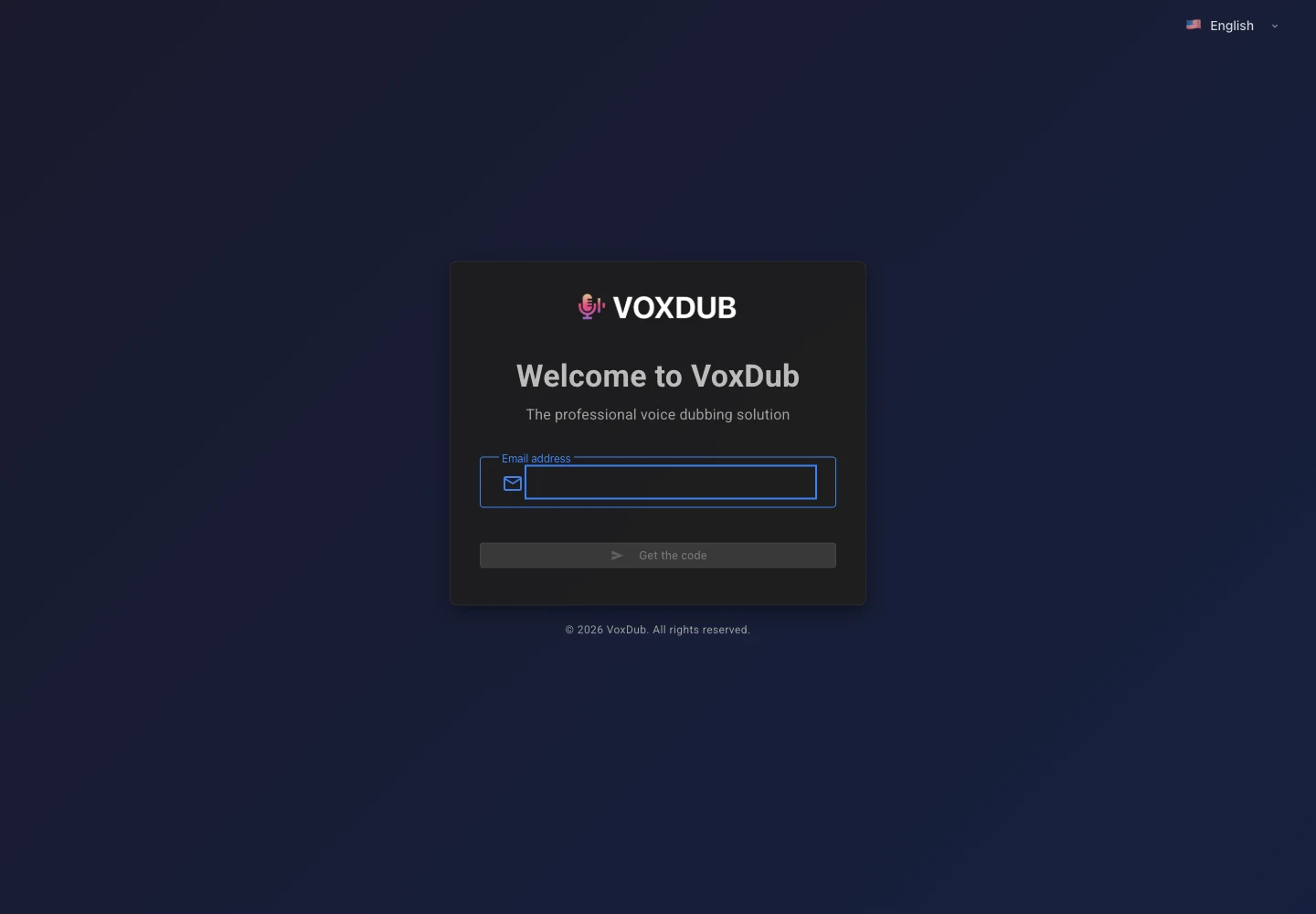
- Go to app.voxdub.com.
- Enter your email address and click Get the code.
- You receive a 6-digit code by email.
- Enter the code and click Sign in. On your first visit, your account is created automatically.
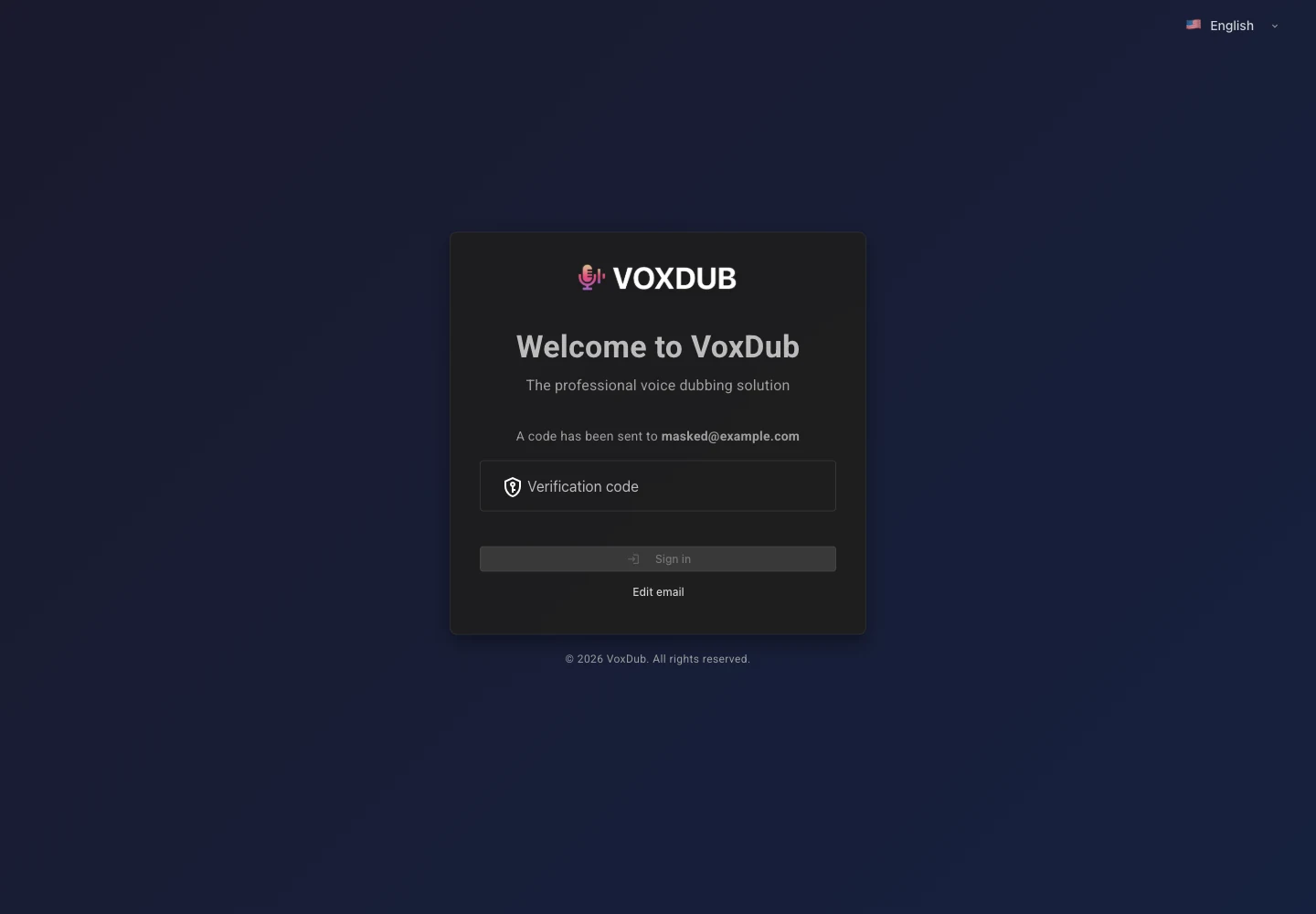
There is no password to remember: each time you sign in, a new code is sent to your email.
Code didn't arrive?
- Check your spam / junk folder.
- The code expires after a few minutes. After that, request a new one.
- Make sure you entered the correct email address (a typo sends the code elsewhere).
For more on signing in, see Sign-in and account security.
A subscription product
Voxdub is a subscription service at €12.99/month. Every feature is premium: video import, rythmo band, recording your voice, AI voice, translation, and exports. There is no stripped-down version.
Managing your subscription (payment, cancellation) is done from your account settings. See Trial and subscription and Manage or cancel your subscription.
What's next?
Once signed in, you land on your projects list. This is where you find your dubbing projects and start a new one. See Create and manage your projects.
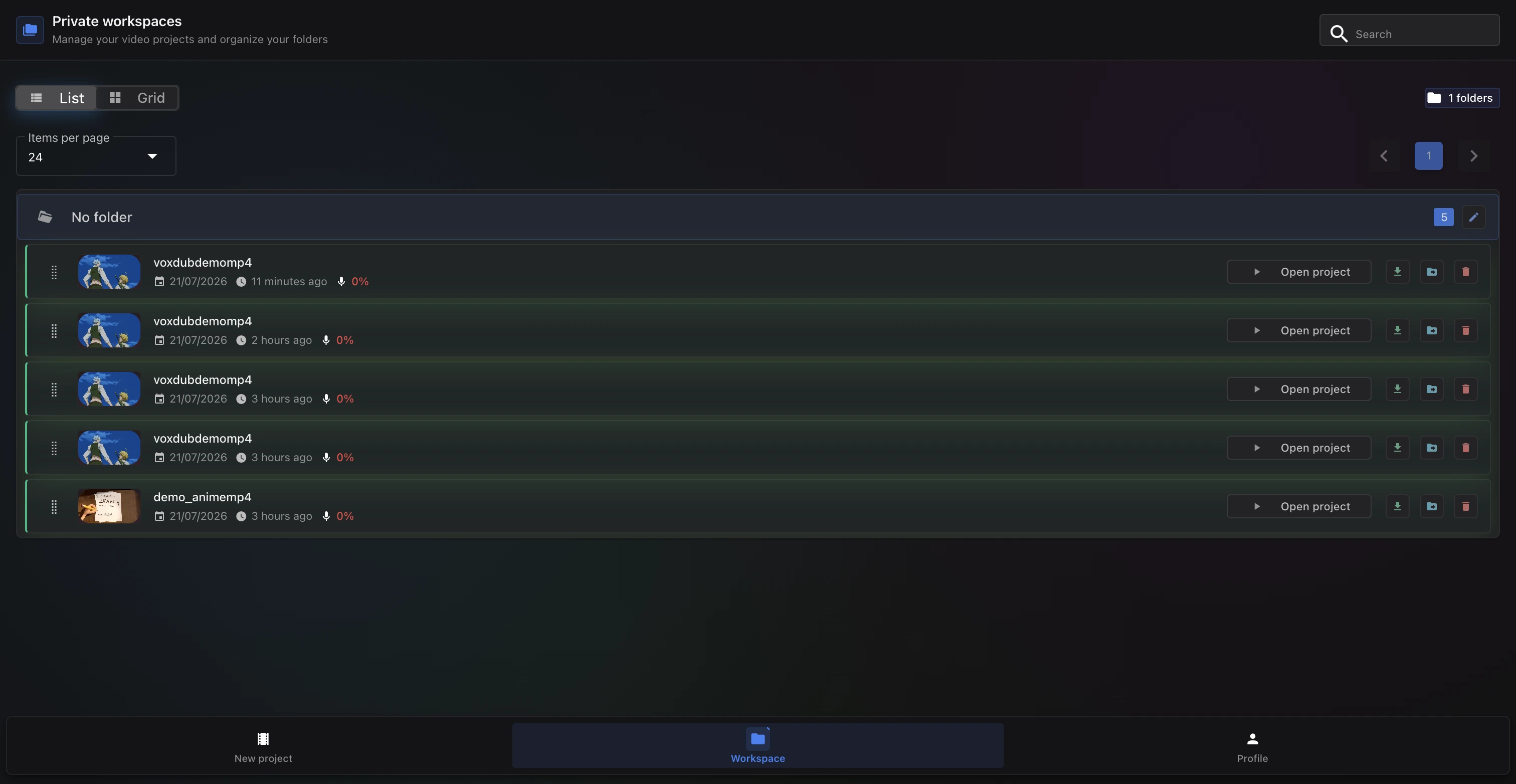
To start your first project:
- Import a video: add the video you want to dub.
- Your first dub: follow the guided walkthrough.
- Getting started with the editor: discover the interface and the rythmo band.
Ready to dub your video?
Create an account and start your first project in minutes, right in your browser. 7-day free trial.
Try Voxdub for free