Sign-in and account security
Voxdub uses passwordless sign-in: you receive a code by email. There's no password to create, remember or reset.
Sign in
Go to app.voxdub.com.
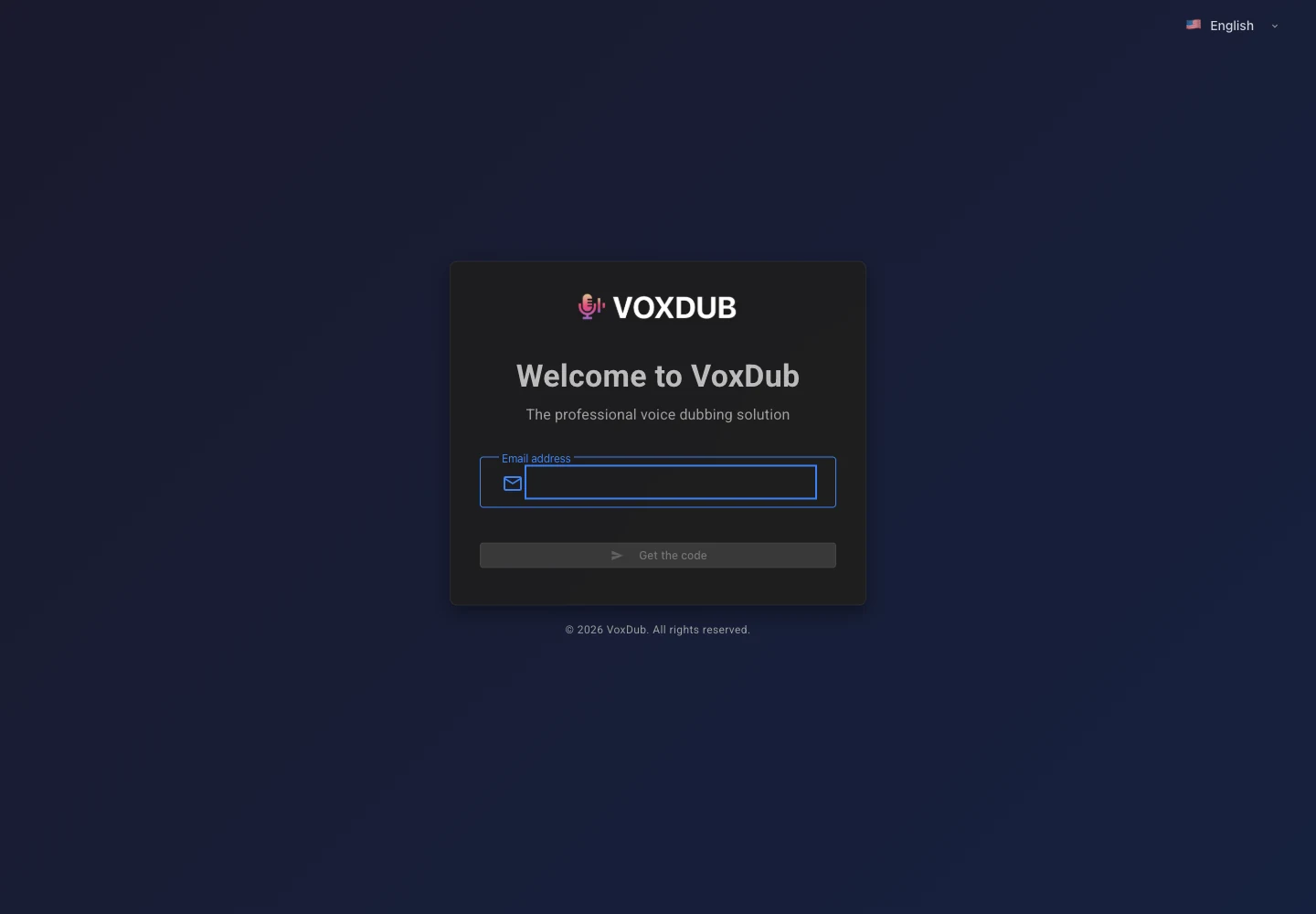
- Enter your email address, then click Get the code to receive a 6-digit code.
- Enter the 6 digits, then click Sign in.
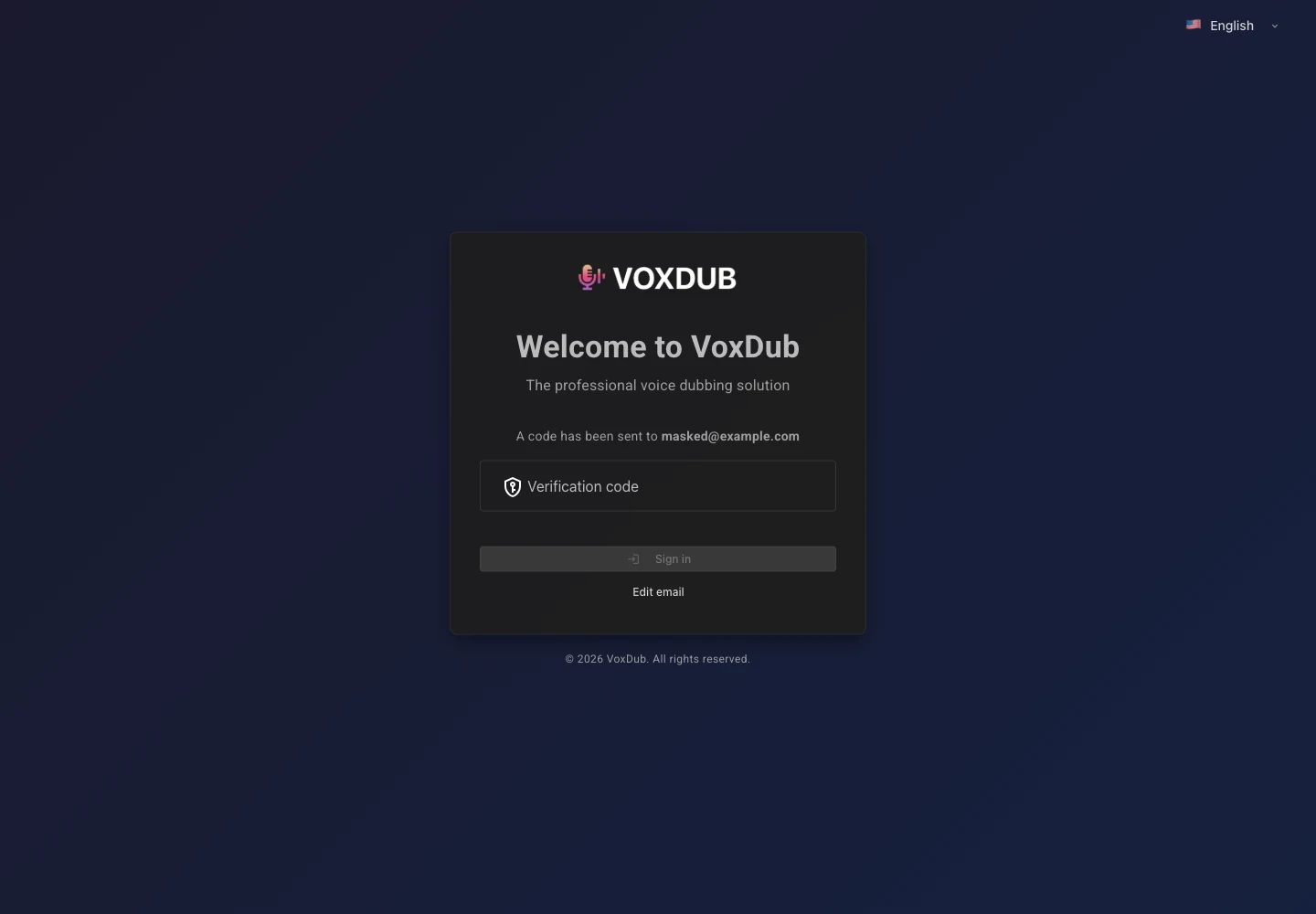
- Each sign-in generates a new code, valid for only a few minutes.
- A link lets you resend the code or change the email address you entered.
I'm not receiving the code
- Check your spam / junk folder.
- The code expires after a few minutes: request a new one.
- Check the spelling of your email address (go back to the email step to correct it).
- Wait a moment between requests: sending too many in quick succession may be temporarily limited.
Your account settings
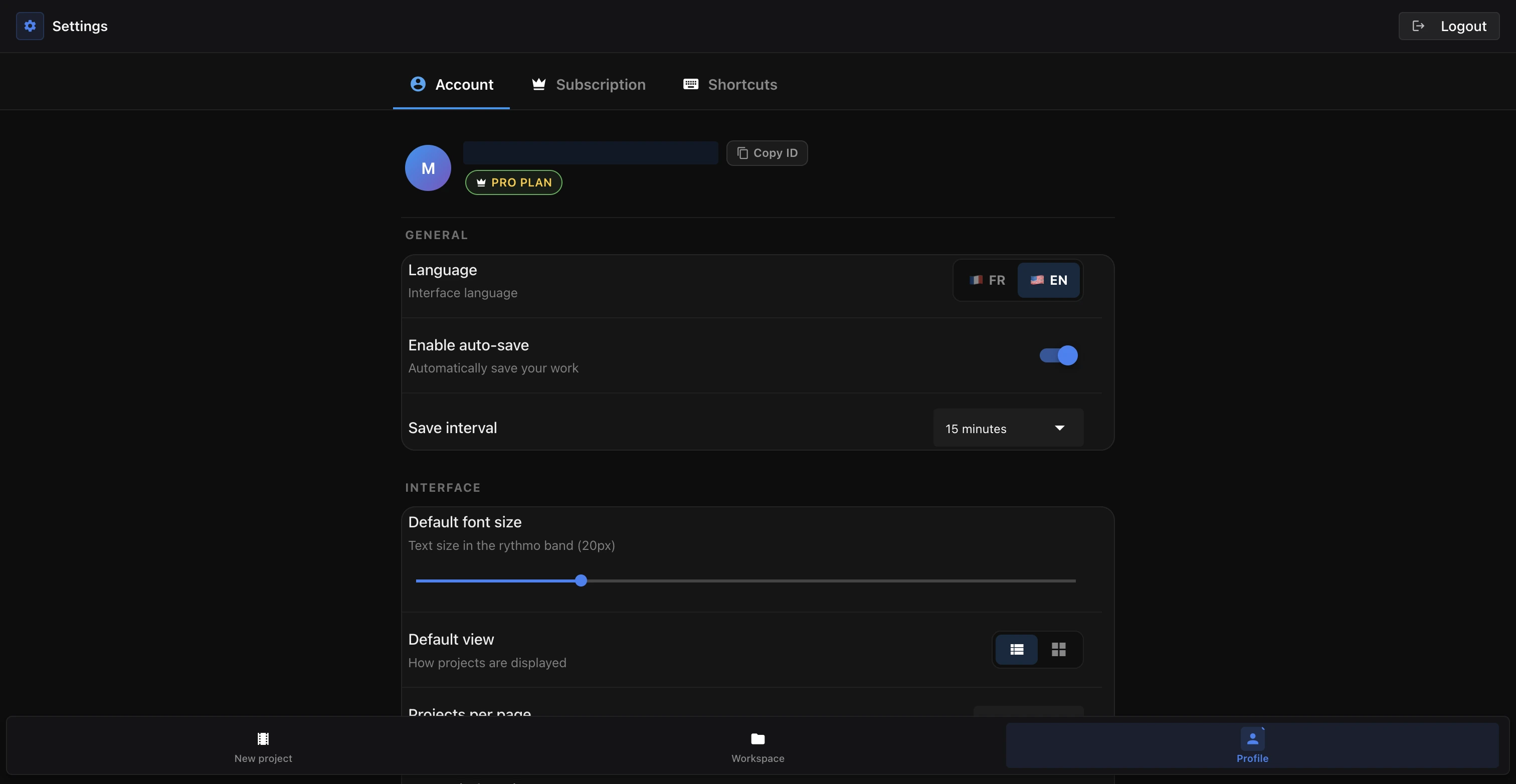
Your language, autosave and sign-out are on your account Settings page (the Account tab).
Language
Under Account › General, choose the interface Language (French or English).
Autosave
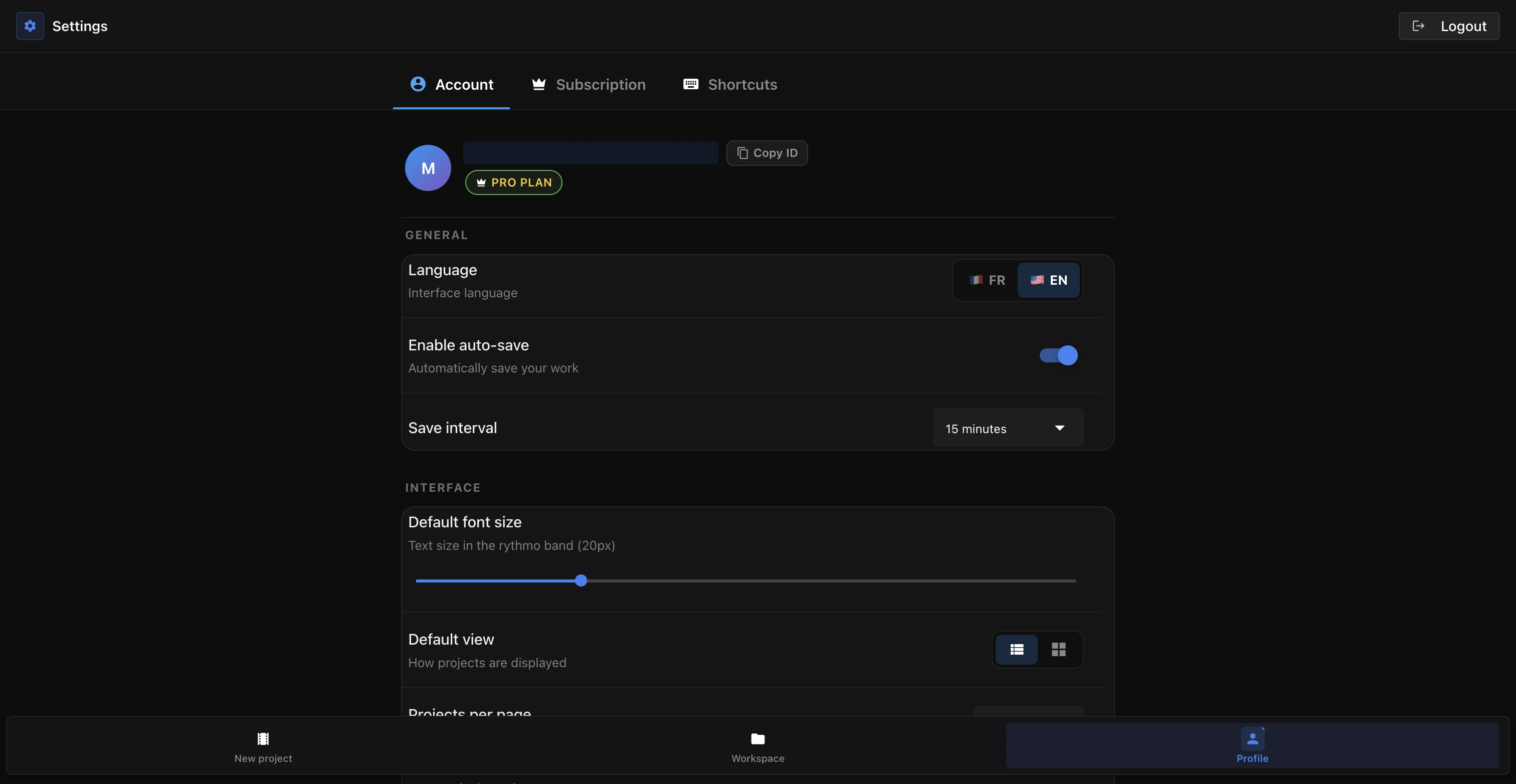
Still under General, manage autosave:
- Turn auto-save on or off.
- Choose the save interval: 5, 10, 15 or 30 minutes.
- At any time, ⌘ S saves manually.
See Autosave and undo.
Sign out
From Settings, use Sign out to close your session. As long as you don't sign out, your session stays open on this browser and you don't have to re-enter a code on every visit. To sign back in, request a new code.
Subscription and account
Voxdub is a fully premium service at €12.99/month; every feature is included. Billing and cancellation are handled from the Stripe portal, reachable from the Subscription tab in Settings: see Manage or cancel your subscription.
To close your account, see Deactivate your account.
Ready to dub your video?
Create an account and start your first project in minutes, right in your browser. 7-day free trial.
Try Voxdub for free