Manage or cancel your subscription
Your Voxdub subscription is managed entirely from the app, through the Stripe billing portal. That's where you update your payment method, download your invoices, and cancel whenever you want.
Open subscription settings
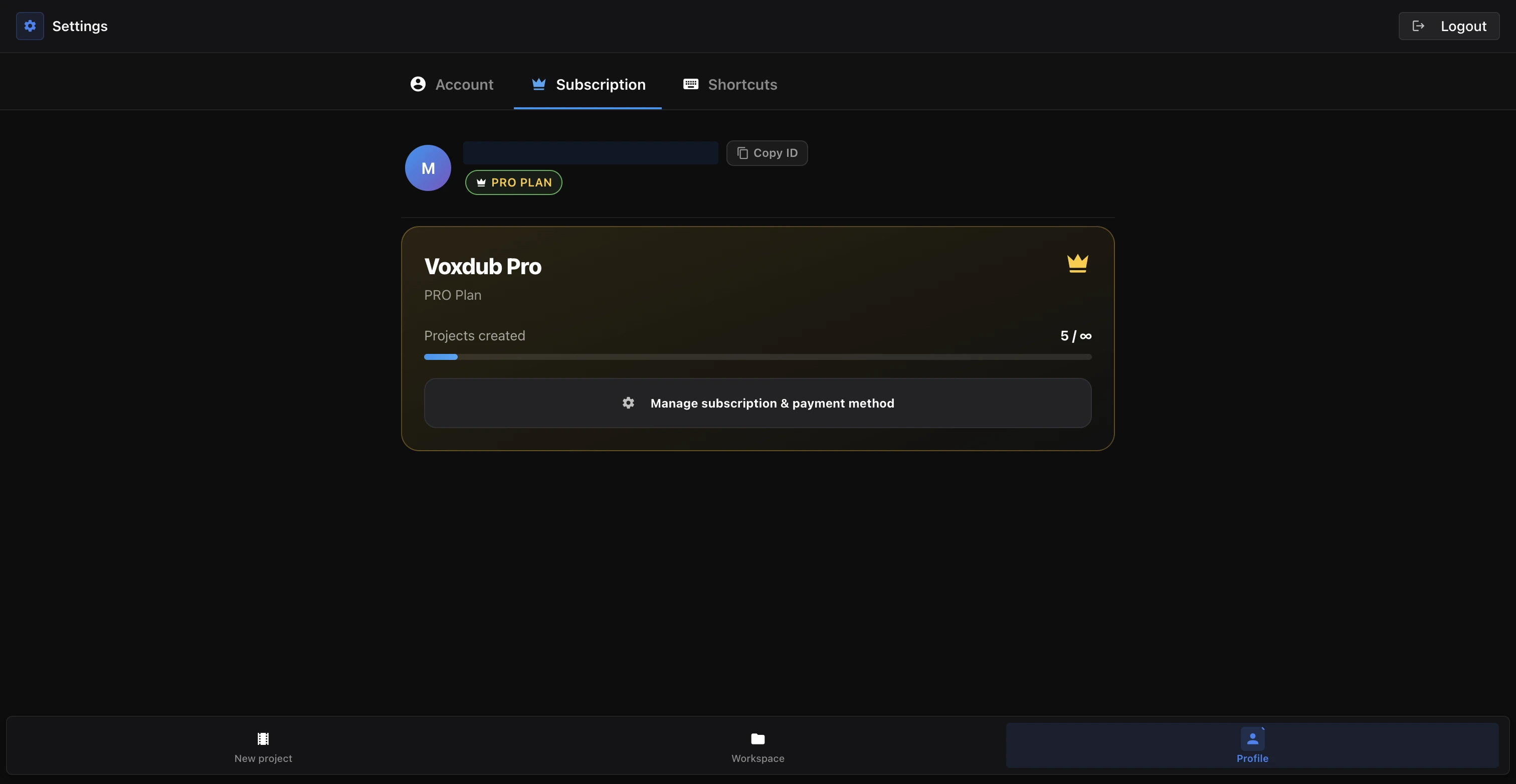
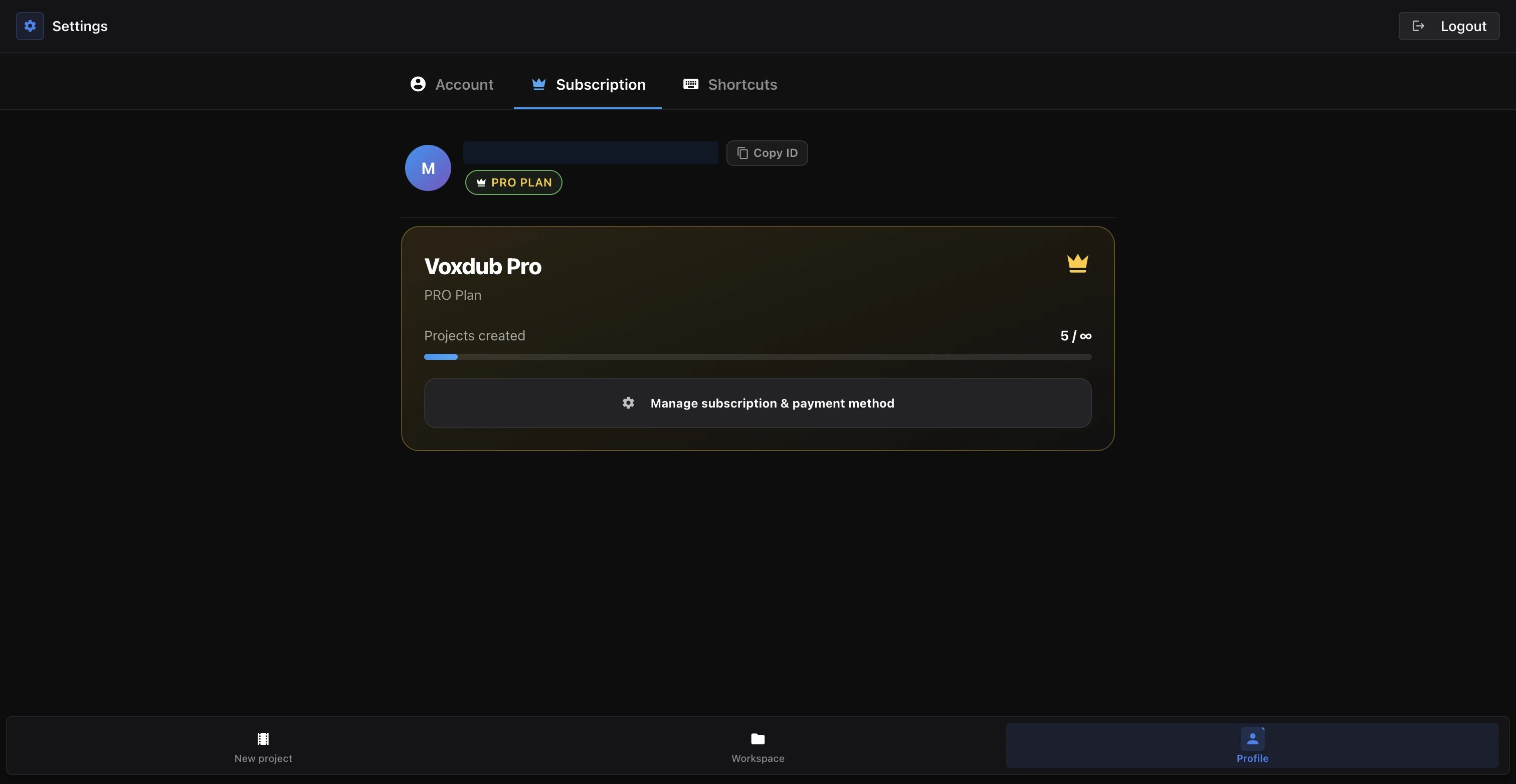
Billing lives in your account settings.
- Open your account Settings.
- Go to the Subscription tab.
- Click the button that opens the Stripe billing portal.
What the Stripe portal lets you do
The Stripe portal opens on a secure page. It's where you handle everything about your subscription:
- Update your card or payment method.
- View and download your invoices and receipts.
- Cancel your subscription.
This is the only place your invoices live: there's no separate invoice list inside the app. To retrieve them, always go through the Stripe portal.
What the subscription covers
The Voxdub subscription is €12.99/month. Every feature is included: there's no limited tier. Canceling therefore ends access to the whole studio (video import, rythmo band, recording, AI voice, exports) at the end of the paid period.
For details on the plan and trial, see Trial and subscription.
How cancellation works
Canceling doesn't cut off your access immediately.
- After you cancel, your access stays active until the end of the period you've already paid for.
- The app shows the period end date and an indicator noting that the subscription is scheduled to cancel.
- You keep every feature until that date; no further charge is taken afterward.
If you're in a trial period
If a trial applies to your account, cancel before the trial ends to avoid being charged. The first charge is taken when the trial ends: canceling before that date prevents billing.
The trial end date is visible in the Subscription section and in the Stripe portal. Check the exact date there before you cancel.
In short
- Settings → Subscription → Stripe portal.
- The portal is where you change your card, download invoices, and cancel.
- Plan is €12.99/month, everything is premium.
- Access stays active until the end of the paid period after you cancel.
- On a trial, cancel before the trial ends so you're not charged.
Ready to dub your video?
Create an account and start your first project in minutes, right in your browser. 7-day free trial.
Try Voxdub for free