Background jobs and notification emails
Some Voxdub operations don't run in your browser: they're sent to our servers and run in the background. You can keep working, close the tab, and come back later for the result.
What runs in the background
The asynchronous jobs you can launch while editing:
- Generate AI voice: a synthetic voice for a selected line.
- Translate subtitles: AI translation of the band into another language.
- Scene detection: automatic shot-change detection.
- Video render / export: building the final video with the rythmo band burned in (plus a "voiceless" variant if you removed the original voices).
Each of these is premium, like every Voxdub feature (€12.99/month).
Track progress in the Tasks window
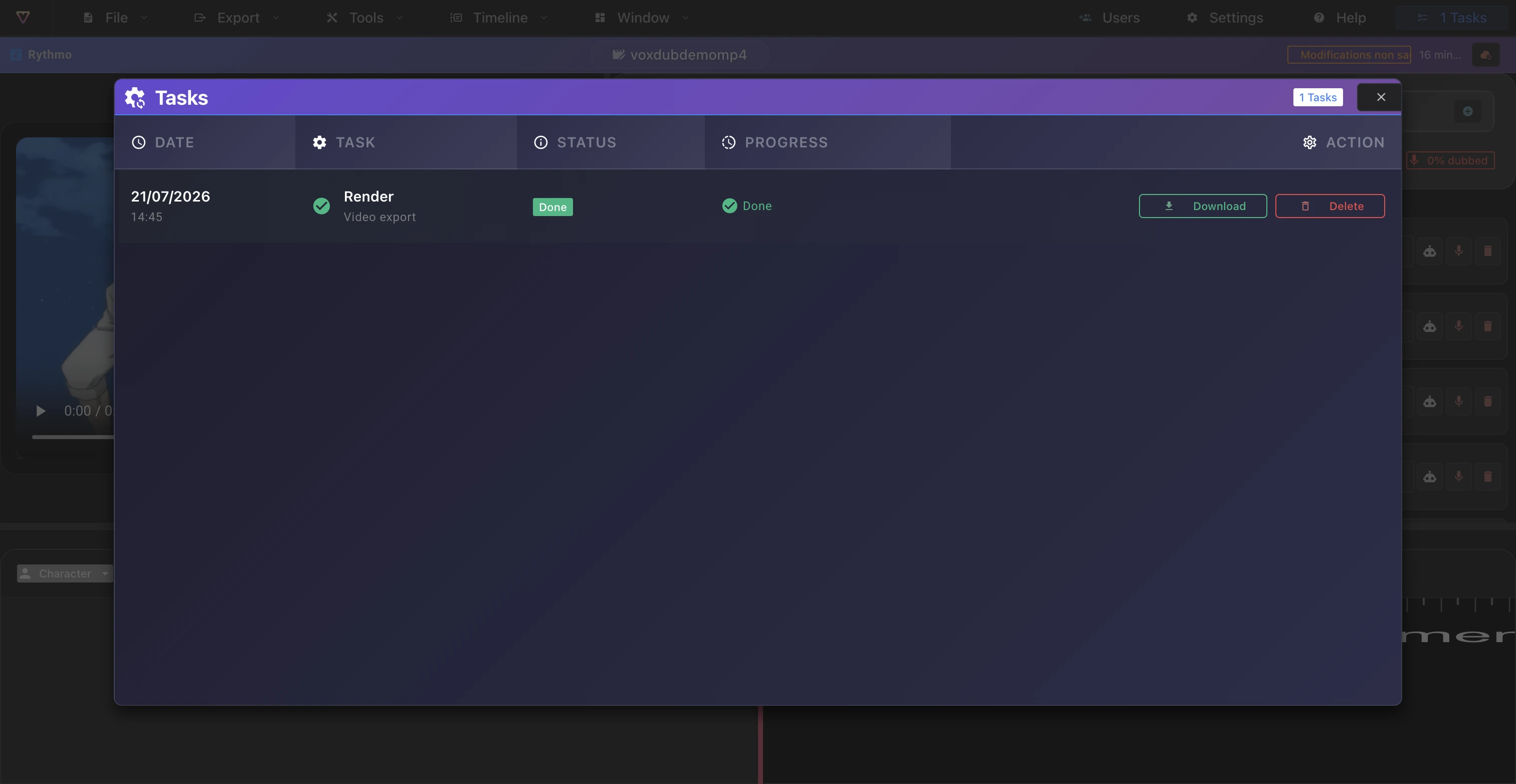
Open the Tasks window from the Tasks button in the editor. It lists your video renders with their status: queued, waiting, done or failed, and a progress bar.
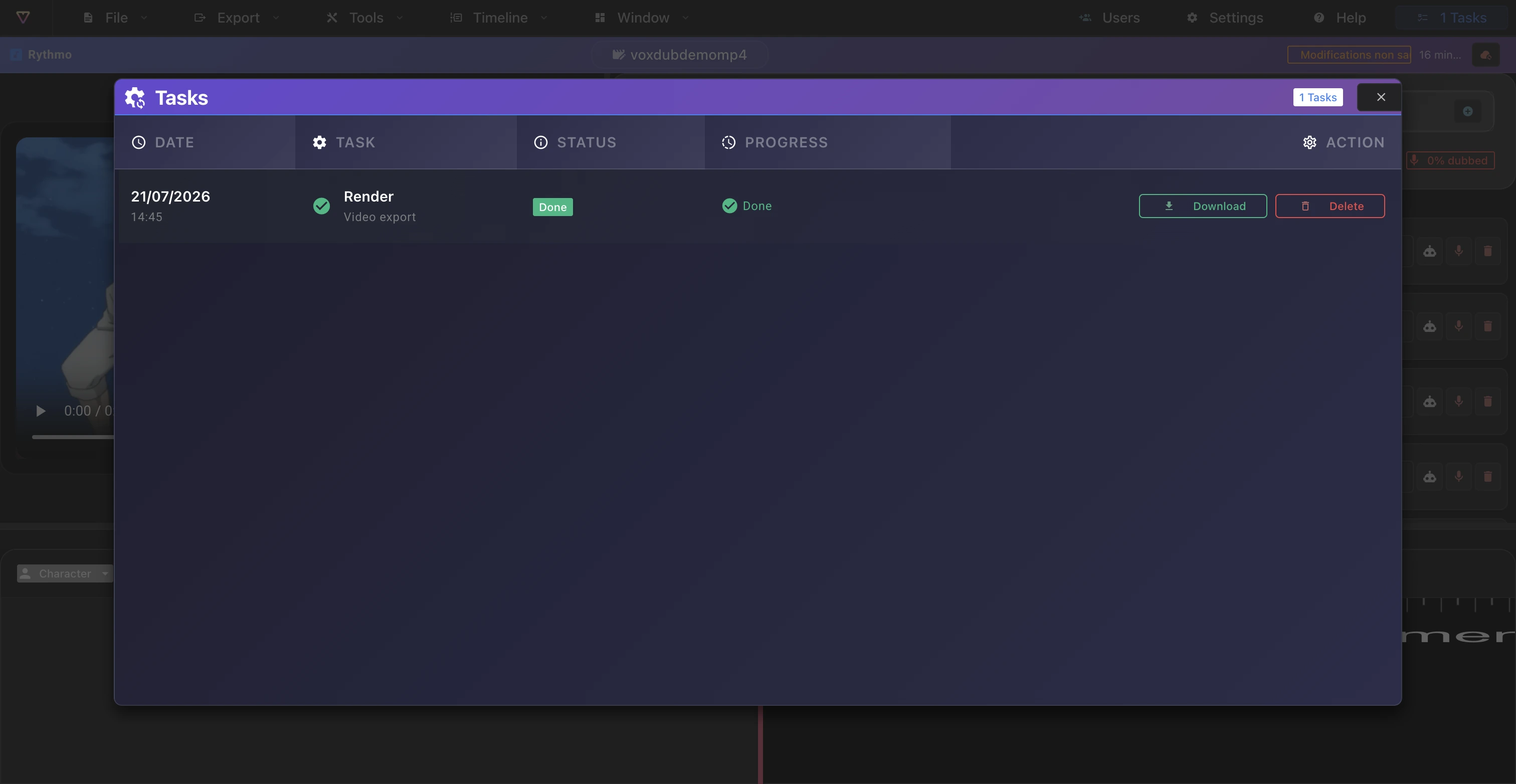
A finished render stays available here: you can come back any time to download the file, even after reloading the page.
The render-complete email
A video render can take a while: long videos are processed frame by frame on the server, so an export can take several minutes (see Browsers and performance).
You don't need to keep the tab open. When the render is ready, Voxdub sends you an email with a download link and a link back to the project.
If the email doesn't arrive, check your spam/junk folder. The file stays available in the Tasks window either way.
"No scene changes detected": not an error
When you run Scene detection on a single-shot video, the job finishes normally with zero scenes. That's expected, not a failure: your video simply has no shot changes to mark.
Fix a failed task
If a task shows the failed state:
- Reopen Tasks to read its exact state (for example, a render can fail if no source video is attached).
- Re-run the operation: for example, regenerate a failed AI voice directly from the line.
A task stays stuck too long
A long processing time is normal for long videos. But if a task stays stuck for an abnormally long time without moving to done or failed, let us know:
- On Discord: https://discord.gg/RrmKMBsYFy
- By email: hello@voxdub.com
Include the project name so we can find the job.
Related articles
Ready to dub your video?
Create an account and start your first project in minutes, right in your browser. 7-day free trial.
Try Voxdub for free