Export subtitles and DETX
Voxdub exports your rythmo band in four text formats: SRT, ASS, JSON and DETX. Each serves a different purpose, from simple subtitling to a full dubbing exchange. Export is included in the €12.99/month subscription.
Where to trigger the export
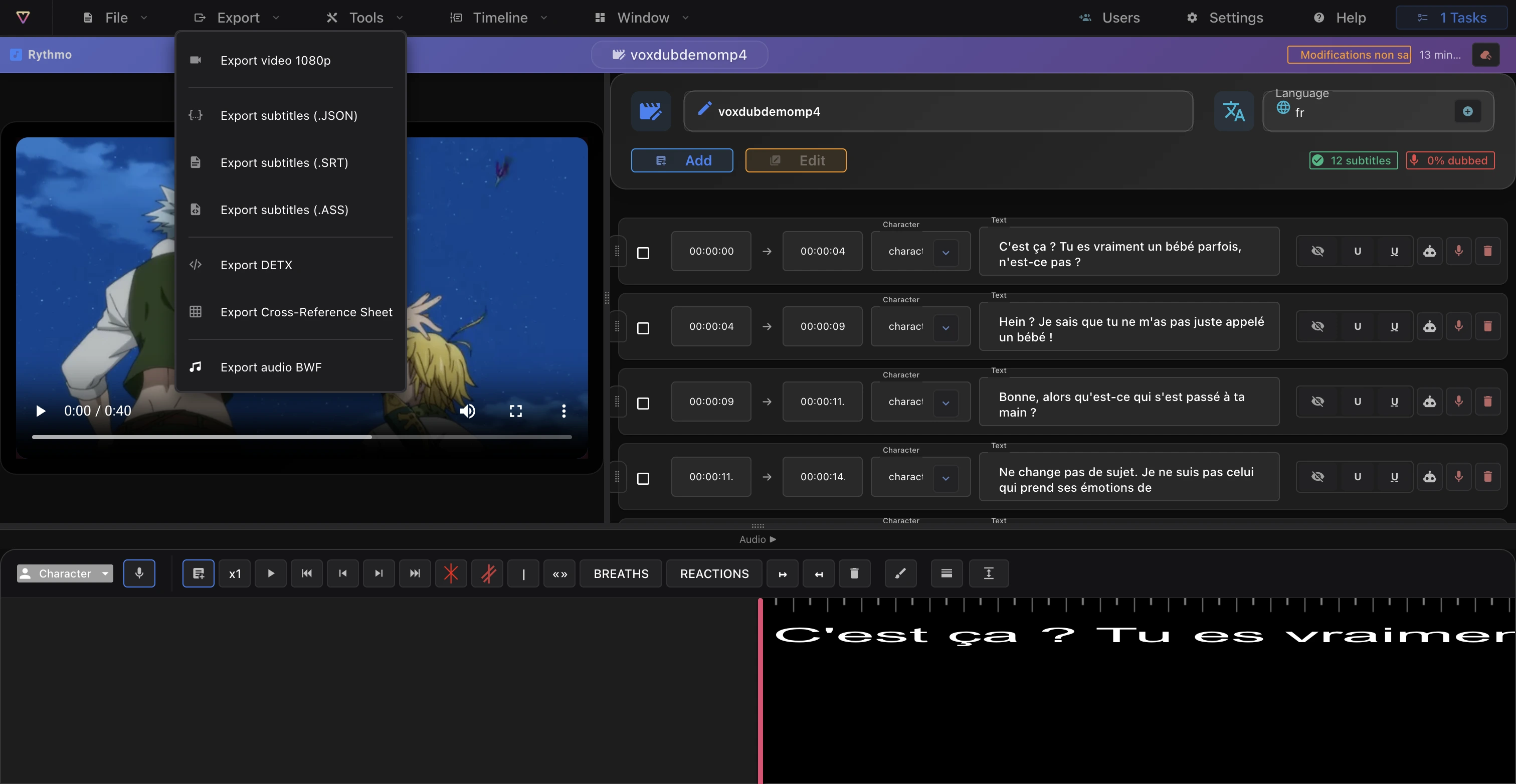
Text exports are individual items in the editor's Export menu: Export subtitles (JSON), (SRT), (ASS) and Export DETX.
The four formats
- SRT: the most widely used subtitle format. Choose it to publish standard subtitles.
- ASS: Advanced SubStation Alpha, a styled subtitle format that preserves formatting.
- JSON: the band's structured data, for automated processing or your own tools.
- DETX: the rich dubbing exchange format (see below).
The DETX format
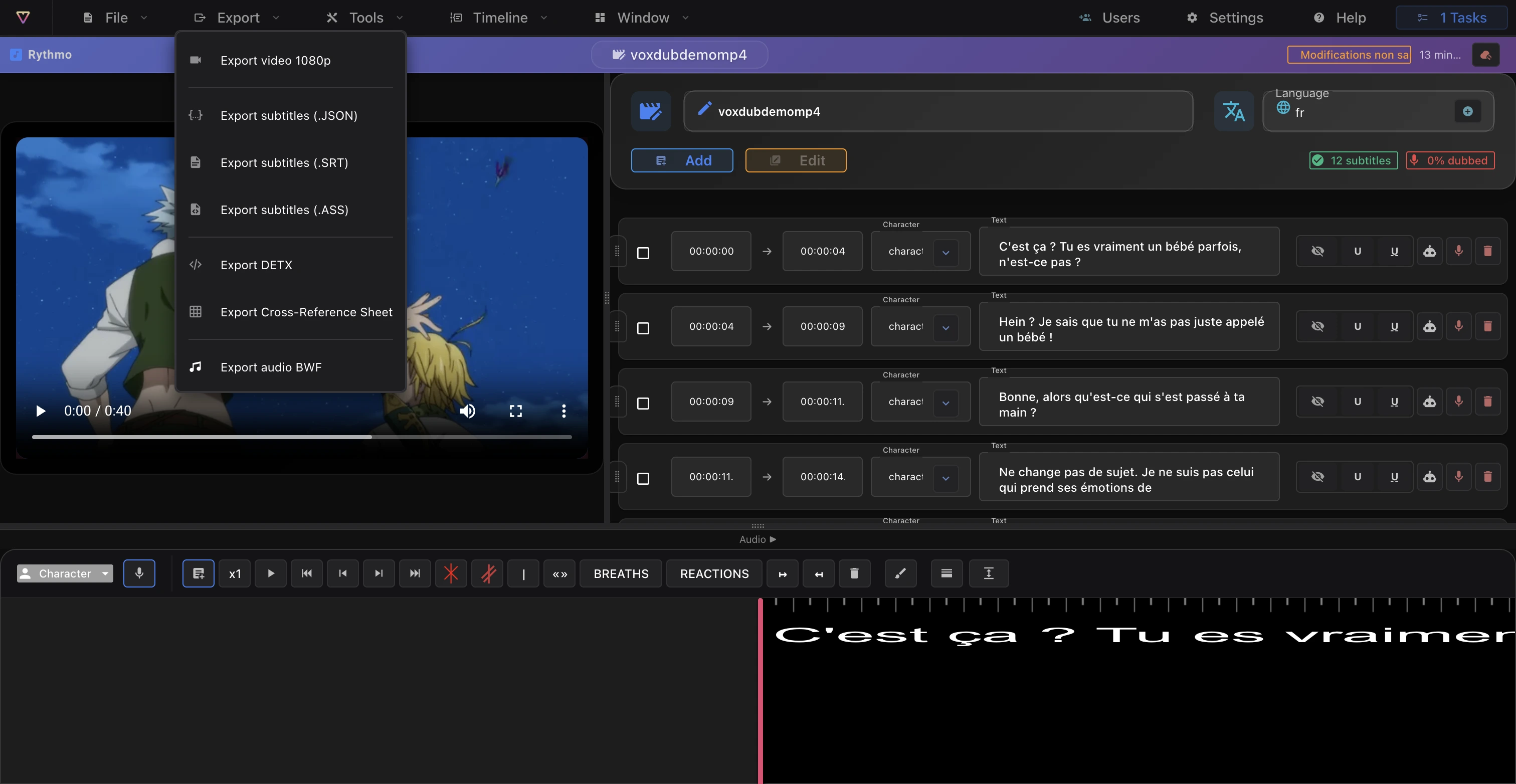
DETX is a dubbing exchange file in XML, more complete than a plain subtitle file. Beyond timed text, it carries the dialogue lines with their timecodes and the characters of your project, so you can transfer dubbing work between tools.
Re-importing a DETX file
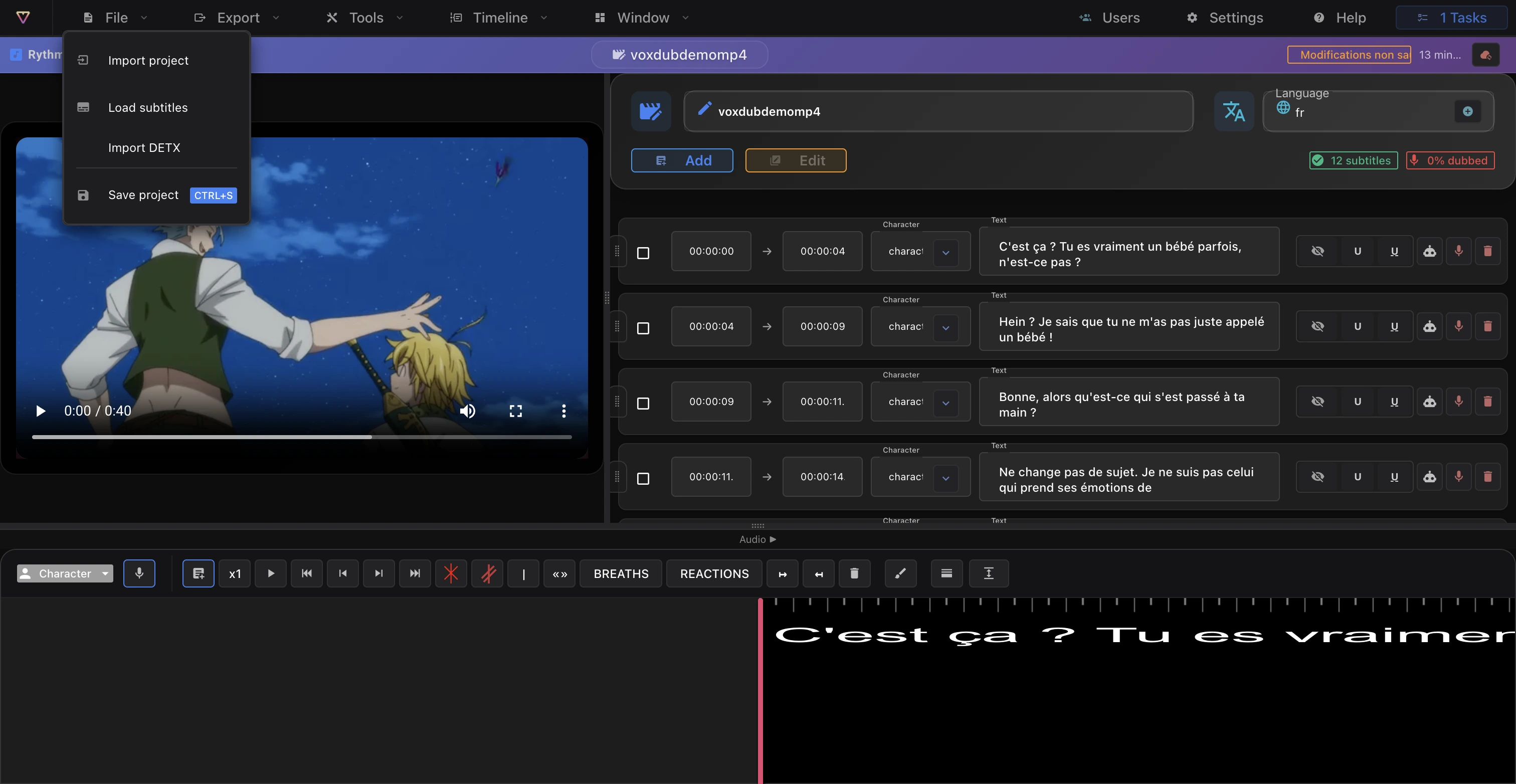
DETX works the other way around too: use File › Import DETX to load a .detx file and fill the band with its lines, characters and timecodes. See Import a video for the import entry point.
How the file is produced
Once you choose a format, Voxdub generates the file and downloads it. Depending on the format and the size of your project, this is instant or takes a short moment.
Exporting video and audio
Subtitles are only part of your exports:
- Video: burn the rythmo band into the video. See Export a video.
- Audio: croisillé call sheet and BWF audio. See Export audio (croisillé).
Ready to dub your video?
Create an account and start your first project in minutes, right in your browser. 7-day free trial.
Try Voxdub for free